
Claiming a session another host canceled
Edited
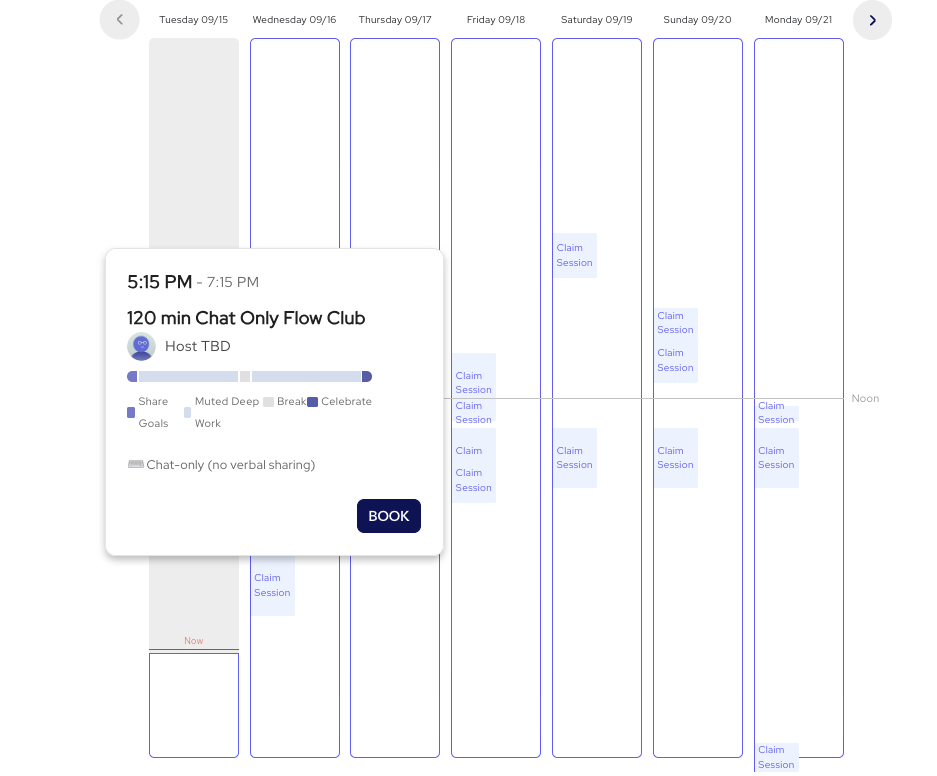
When a host cancels a session that people have already booked, the session stays on the schedule as "Host TBD" instead of disappearing. Any host can claim it.
Three ways to claim a session
On the schedule. You'll see sessions on the schedule as "Host TBD"
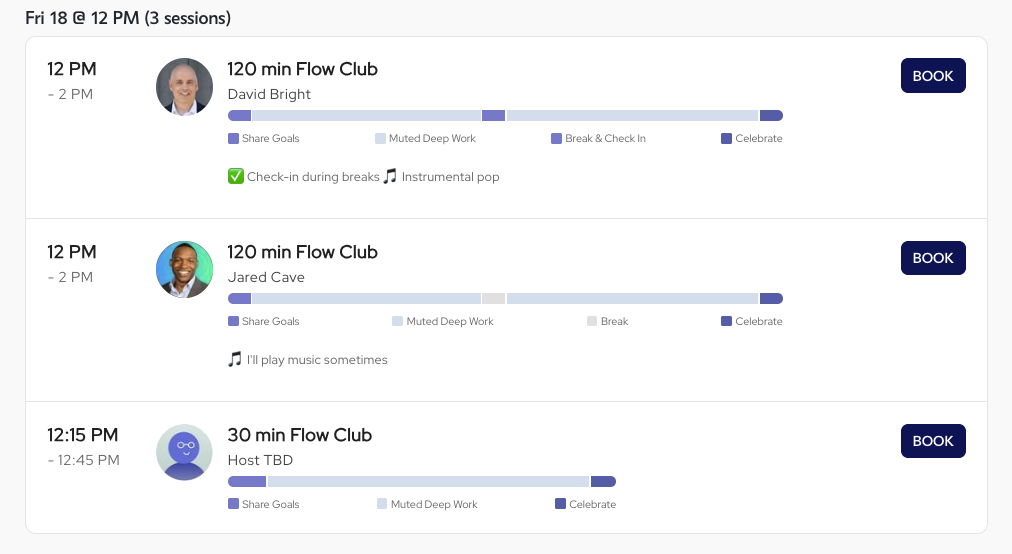
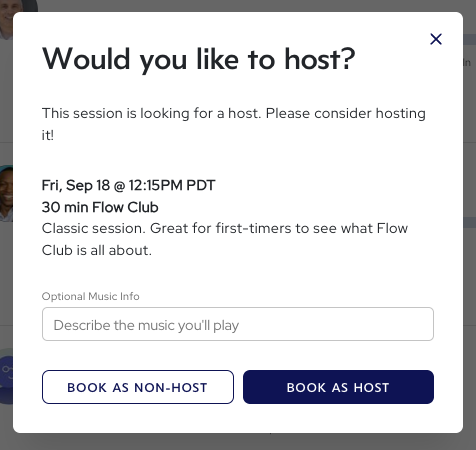
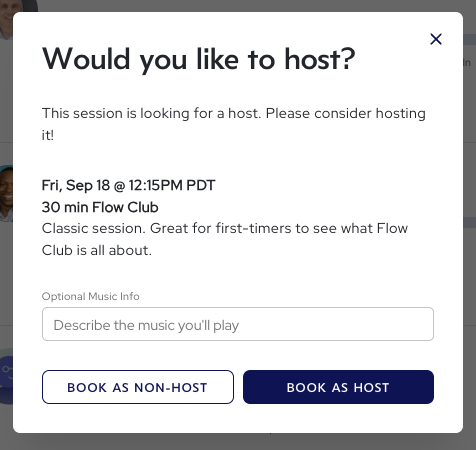
When you create a session. If a Host TBD slot matches the time you're picking, you'll see "claim session" option. Claiming it means you take over a session that already has attendees, which is better for everyone than running two half-empty sessions side by side.
By email. If you're booked into a session as an attendee and the host cancels, you'll get an email asking if you'd like to step in.
Claimed sessions count as hosted sessions for you.