
How do I become a host?
Any member can host once they've done two things:
Attended 10 sessions. This is so you know the Flow Club ritual and norms before you lead one.
Have an active membership. Hosting isn't available while you're on a free trial or after a trial has ended. Once you have a monthly or yearly membership, hosting unlocks right away if you've hit 10 sessions.
Finding the "Become a Host" button
When you qualify, a banner appears at the top of the schedule inviting you to become a host.
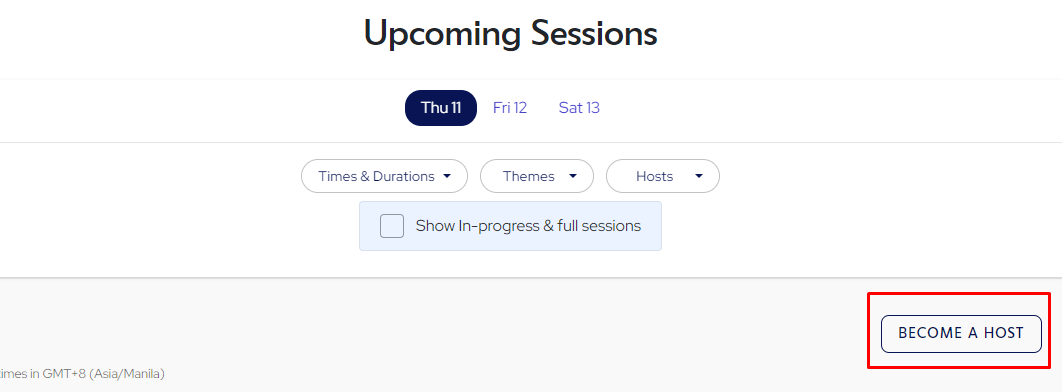
If you dismissed the banner, look for the "Become a Host" button at the top right of the schedule.
Onboarding takes about 10 minutes
Create your host profile: your username, a short bio, musical preferences, and a photo. You can use your host profile to share your upcoming sessions and for people to follow you.
Watch the 5-minute onboarding video.
Open the demo session to try sharing music and see the host controls before your first real session.
Schedule your first session from the "Create New" button on the schedule. See How do I create a session?
Your first few sessions are labeled "new host" on the schedule, so attendees know you're getting the hang of it. Nobody expects perfection. Ask attendees what they are working on, share what you are working on first as an example, then call on people by name so they know it's their turn to go, and keep it swift and light. If anyone shows up late and there's not enough time to share, check in with them in the chat.
Before you host, please read the Hosting Guidelines. They're short.