
How do I cancel a session I'm hosting?
If you can no longer host a Flow Club session at the time you committed to, cancel your session via the Flow Club platform and it will become available for another host to pick up
Please note that declining the calendar event will not remove you as the host, you must explicitly cancel from the website.
Three places to find the cancel option
The session detail page:

From your My Sessions page:
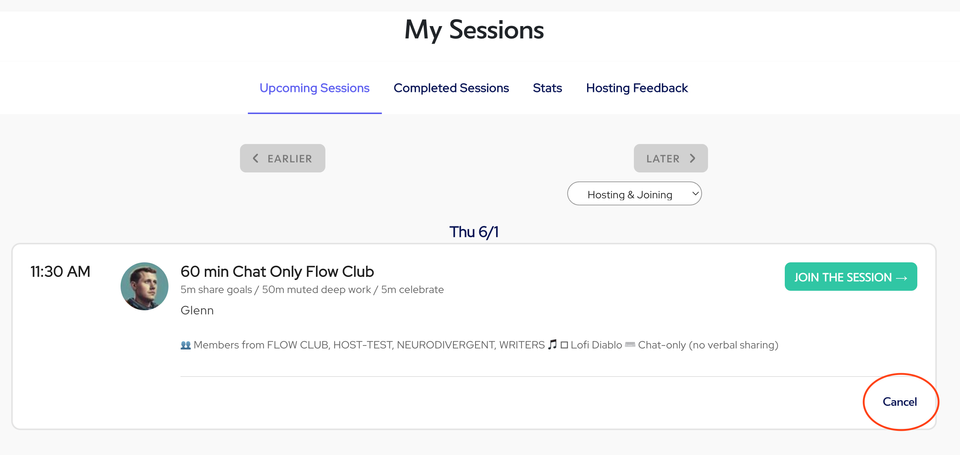
On the schedule itself, scrolling down to the time your session was supposed to start and you'll notice the "cancel" link.
Rules around canceling
Once the session becomes "host-less,” any other host will be able to pick it up from the schedule, the session details page, or when they join the session.
All hosts already signed up for the session will receive an email asking if they would like to step in as host.
You can cancel a session within 10 minutes after it has started. If no one books or joins your session, you can cancel and join another session.