
Unlisted and club-only sessions
When you create a session, the Visibility dropdown has three options:
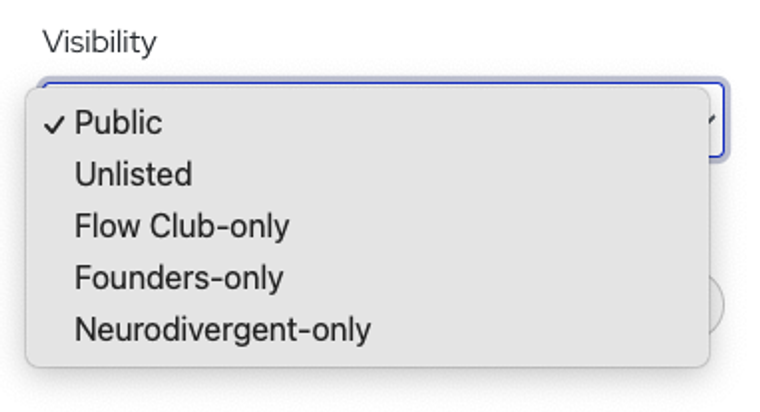
Public. On the main schedule, visible to everyone. This is the default.
Unlisted. Not on the schedule at all. Only people you send the link to can join. Copy the link from the confirmation screen after you create the session.
Club only. On the schedule, but only members of that Club can see and book it. You need to be in the Club yourself.
Using unlisted sessions with your team, friends, or family
Unlisted sessions are the way to cowork with a group you choose. A few things to know:
Everyone needs a Flow Club account. They can be on a free trial or a paid membership. The free trial doesn't ask for a credit card.
Same size limits as any session. 5 people for 30-minute sessions, 9 for longer ones, including you.
No limit on how many you can run.
They don't count toward the host incentive.
If you'd like to set something up for a whole company, email hosts@flow.club and we'll talk.